

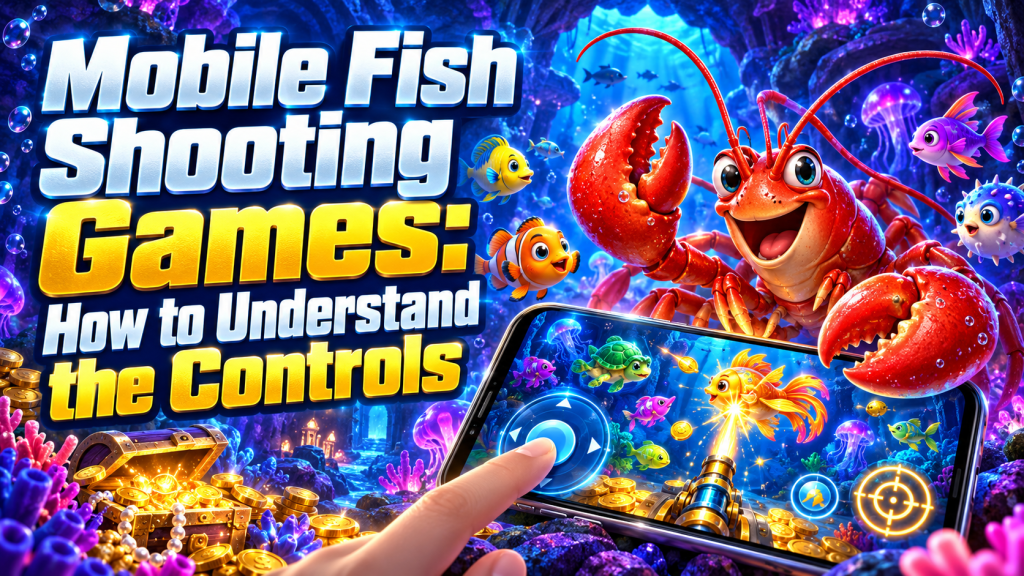
A fishing game can feel very different on a phone. Your finger may cover a moving target, buttons may sit close together and a small screen can make the current shot setting difficult to read. Understanding the layout matters before any paid action begins.
For anyone researching luckycola and mobile fish shooting games, the first task is to verify whether the exact title supports the intended device and browser. Do not assume that a desktop screenshot represents the mobile layout.
Check the Screen Before Firing
Locate the balance, shot price, fire control, settings menu and game information button. If rotation is supported, compare portrait and landscape views before committing a wager. Choose the view that keeps the relevant controls readable.
| Screen element | Mobile check | Reason |
|---|---|---|
| Shot amount | Read it without zooming | Avoid confusing one shot with a full session |
| Fire button | Test tap and hold behavior in demo | Know when repeated firing begins |
| Target control | Check whether a lock is available | Understand how targets are selected |
| Balance | Identify credits versus cash | Interpret deductions correctly |
| Exit menu | Find it before play | Stop without searching through menus |
Touch Controls and Continuous Fire
Understand Tap, Hold and Toggle Actions
Some interfaces respond differently to a short tap and a sustained press. Others use a toggle for automatic fire. The exact behavior must come from the game’s instructions or a demo, rather than assumptions based on another title.
When assessing a mobile title linked to luckycola, check how firing stops after you lift your finger, change targets or open a menu. A visual pause should not be treated as confirmation that no further paid shots were accepted.
Keep the Stake Setting Visible
If your hand covers the stake control, pause and reposition before continuing. Avoid changing the shot level while the screen is busy. Read the newly selected amount before the next action.
What to Do After an Interruption
A frozen animation does not tell you whether a wager reached the server. Stop additional inputs, reconnect and check the available transaction or game history. If the result is unclear, record the time and round identifier for support rather than repeatedly tapping the screen.
This is also a useful question when researching luckycola: what information does the selected game provide after a disconnect? The answer should be verified for that title and service, without assuming automatic refunds or restored features.
Mobile Fishing Game FAQ
Does a Bigger Screen Improve Payout Odds?
A larger screen may improve readability. It does not, by itself, establish a change in the game’s payout rules or capture probabilities.
Should I Continue When the Game Lags?
Pause inputs and check the connection and settled balance. Continuing to tap can make it harder to identify which actions were accepted.
Is Demo Mode the Same as Paid Play?
Demo mode can help explain controls. It does not demonstrate future cash results, withdrawal conditions or the reliability of an operator.
A Clearer Mobile Session
Use a readable layout, learn the stopping controls and check the shot amount before firing. These checks give luckycola readers a practical way to assess a mobile interface without confusing smooth graphics with favorable gambling outcomes.